
As translators, we frequently work on high-volume projects, but keeping consistency within one or several documents can be tricky. In order to delivery a quality product to the client, we need to use the CONCORDANCE function within the TRADOS CAT (computer-aided translation) tool, which is widely used, or should be, among translators.
In order to apply this function, do the following:
1. Highlight the expression you want to search within the translation memory:
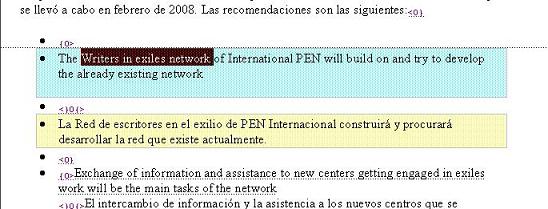
2. Click on the CONCORDANCE function in the TRADOS bar:

3. The translation memory will display the other occurrences of the expression you highlighted within this document or within the other documents used with this same translation memory:
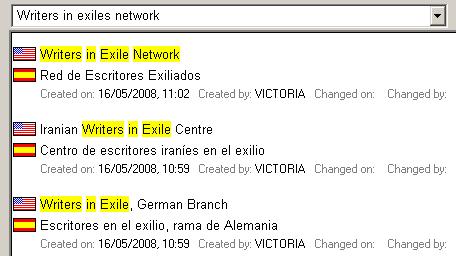
If we make it a habit to utilize this Trados function when translating or editing, all documents that we deliver to the same client will always be consistent in the terminology.


